
Category: App Tutorials
-
How to Find and Delete Large Forgotten Videos on iOS

Finding and Deleting Large Videos on iOS: Methods Compared Quickly running out of storage on your iPhone? You might be surprised to learn that large, forgotten 4K videos could be the silent culprits. If you’re looking to delete large videos iOS efficiently, there are several methods you can use, each with its own strengths and…
-
How to Erase Dark Under-Eye Bags from Morning Selfies
1. Acne Remover – Face Retouch Many believe that manually editing photos is the only way to perfect a selfie. However, that’s a misconception. The Acne Remover – Face Retouch app offers a streamlined solution to erase dark under eye bags with just a few taps. Designed specifically for iPhone, this app is actively maintained…
-
How to Estimate Nutritional Info for Unlabeled Bakery Items

Finding Clarity in a Bakery’s Mystery Imagine biting into a flaky croissant at your favorite cafe. The taste is divine, but as someone who meticulously tracks macros, you pause—how do you log this unlabeled delight? For many iPhone users, figuring out the nutritional content of bakery items without clear labels is a daily frustration. Knowing…
-
Are Proprietary Blends Ripping You Off? How to Check
Unmasking the Truth: Are Proprietary Blends Misleading You? You’ve probably picked up a supplement bottle, glanced at the label, and felt confident about its promises. But here’s a shocker: proprietary blends might be masking under-dosed ingredients, leaving you shortchanged. As a developer and an avid bodybuilder, I’ve seen firsthand how crucial it is to dissect…
-
How to Remove Yellow Tint from Old 70s Pictures Fast
Fast Solution to Remove Yellow Tint from Old Photos If you’re staring at a stack of vintage family photos, longing for their original charm, you’re not alone. Many iPhone users find themselves frustrated with the tedious task of trying to remove yellow tint from old 70s pictures. Let’s dive straight into how to tackle this…
-
How to Test if a New Korean Skincare Product is Breaking You Out
Quick Answer: Visual Tracking is Key When you’re trying to figure out if a new Korean skincare product is causing breakouts, keeping a visual diary is essential. Using a tool like SelfieLog: AI Skin Tracker can streamline this process, allowing you to see changes over time without the hassle of manual tracking. Practical Explanation: How…
-
Tracking Water Intake During Pregnancy: A Simple Mobile Guide
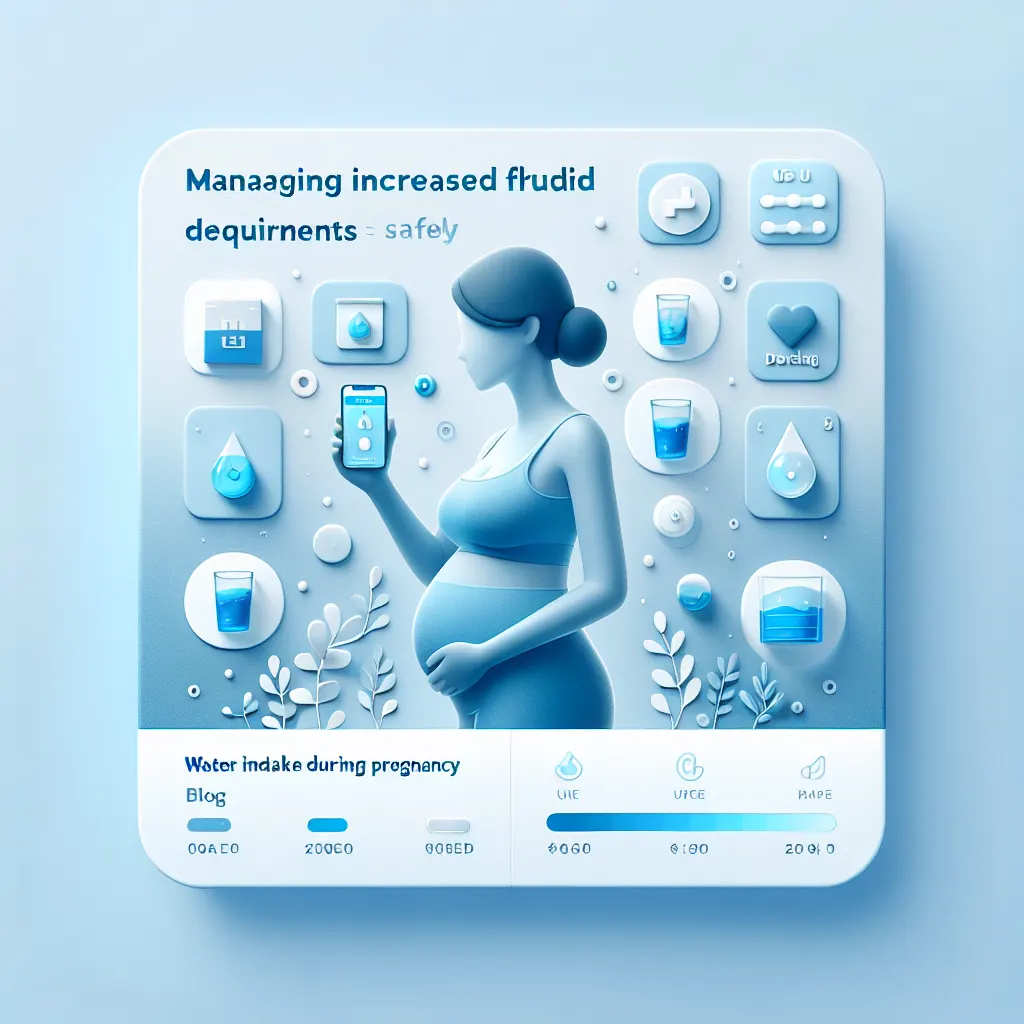
Tracking Water Intake During Pregnancy: A Simple Mobile Guide Ensuring adequate water intake during pregnancy is crucial for both maternal and fetal health. However, keeping track of your daily water consumption can be challenging. Here, we explore the top five methods to manage your hydration effectively, focusing on why Drink Counter: Water Tracker is the…
-
How to Calculate Protein in Homemade Dinners Using Your Camera
Understanding the Need for Fast Protein Tracking In today’s fast-paced world, tracking nutrition can feel like a daunting task, especially when you’re trying to estimate the protein in homemade dinners. Manually logging every ingredient can slow you down and lead to inconsistencies. If you’re like me, a busy app developer committed to a strict high-protein…
-
How to Delete WhatsApp Media Duplicates Without Losing Chats

Introduction Are you tired of scrolling through a cluttered camera roll filled with whatsapp media duplicates? As an indie developer, I understand how frustrating it is to manage the overload of images saved automatically by messaging apps like WhatsApp. That’s why I created Duplicate Photo Cleaner Fast—to provide a simple and efficient way to clean…
-
How to Create White Backgrounds for Amazon Listings on Mobile

Introduction Creating white backgrounds for Amazon listings can be a tedious and frustrating task, especially when relying on manual methods that often result in uneven edges and wasted time. As an indie developer, I realized that many users were searching for a quicker, more efficient solution. That’s why I built Background Eraser Remove BG AI—to…