
Category: Health and Fitness
-
Best iPhone App to Analyze Greens Powders and Probiotics
Understanding the Challenge As someone who has been bodybuilding for years, I can tell you that deciphering supplement labels can be a daunting task. When it comes to analyzing greens powders and probiotics, the ingredient lists are often filled with complex terms and unfamiliar components. This can make it hard to determine which products truly…
-
How to Calculate Protein in Homemade Dinners Using Your Camera
Understanding the Need for Fast Protein Tracking In today’s fast-paced world, tracking nutrition can feel like a daunting task, especially when you’re trying to estimate the protein in homemade dinners. Manually logging every ingredient can slow you down and lead to inconsistencies. If you’re like me, a busy app developer committed to a strict high-protein…
-
Does Sparkling Water Count Toward Daily Hydration Goals?
Understanding Sparkling Water and Hydration Many people wonder if sparkling water can contribute to their hydration goals. The good news is that it absolutely can! However, tracking it effectively is crucial to ensure you’re meeting your daily hydration targets. As the developer of Drink Counter: Water Tracker, I created this app to simplify the tracking…
-
Understanding Creatine Labels: Monohydrate vs HCL
Introduction When it comes to choosing supplements, understanding creatine labels can be a daunting task. Many users find themselves confused by the differences between types like monohydrate and HCL. If you’re an iPhone user looking for a quicker way to decipher these labels, you’re in the right place. With the right approach, you can streamline…
-
Manual Macro Counting vs AI Food Scanners: Which is Better?
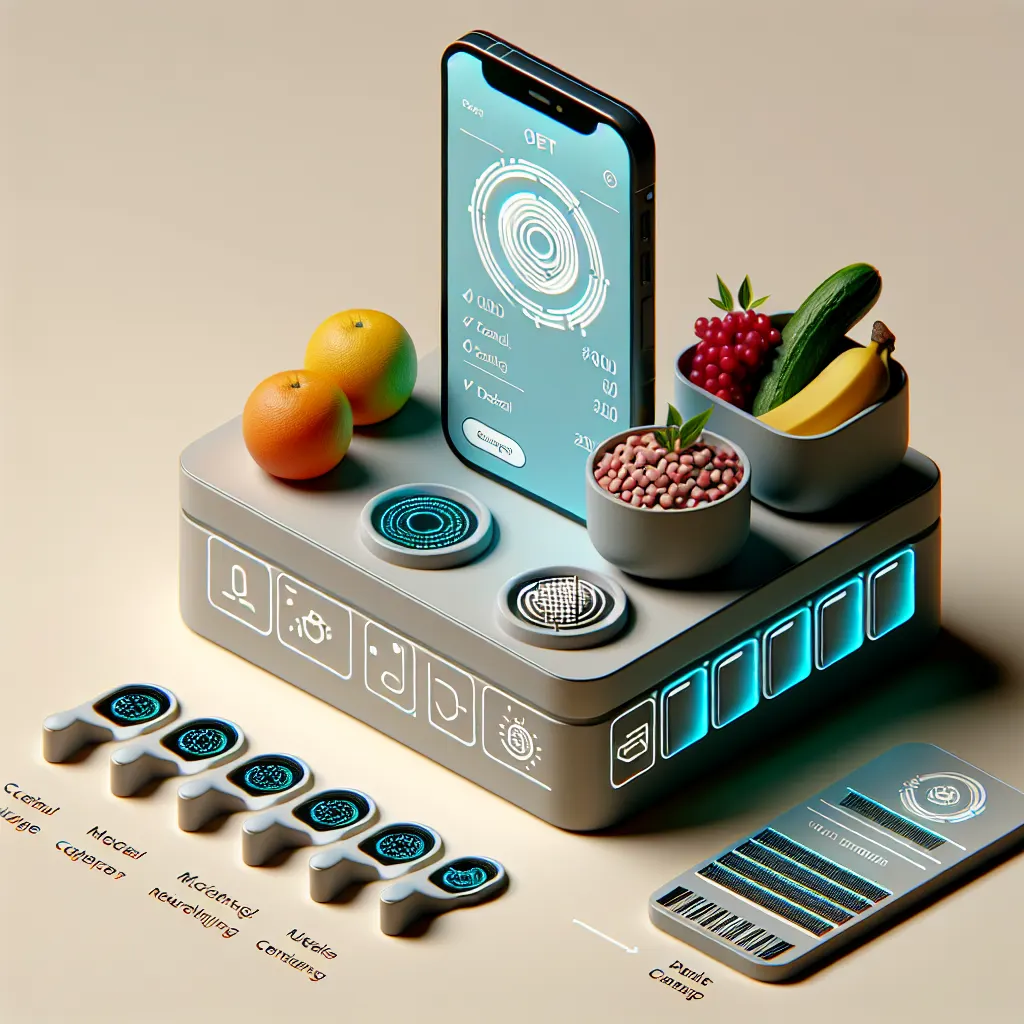
Introduction For anyone trying to maintain a healthy diet, tracking calories and macros can be a daunting task. Many people find that manually logging every meal is not only time-consuming but also prone to error, leading to inconsistent results. As a busy app developer and a bodybuilder, I’ve struggled with the tediousness of traditional food…
-
How to Build a 30-Day Hydration Streak on Your iPhone
Introduction Staying adequately hydrated can be a challenge, especially when life gets busy. One of the most effective ways to improve your hydration habits is to establish a 30-day hydration streak. Using an app like Drink Counter: Water Tracker on your iPhone can streamline this process, making it easier and faster to log your water…
-
How to Check if Your BCAA Supplement is Actually Effective
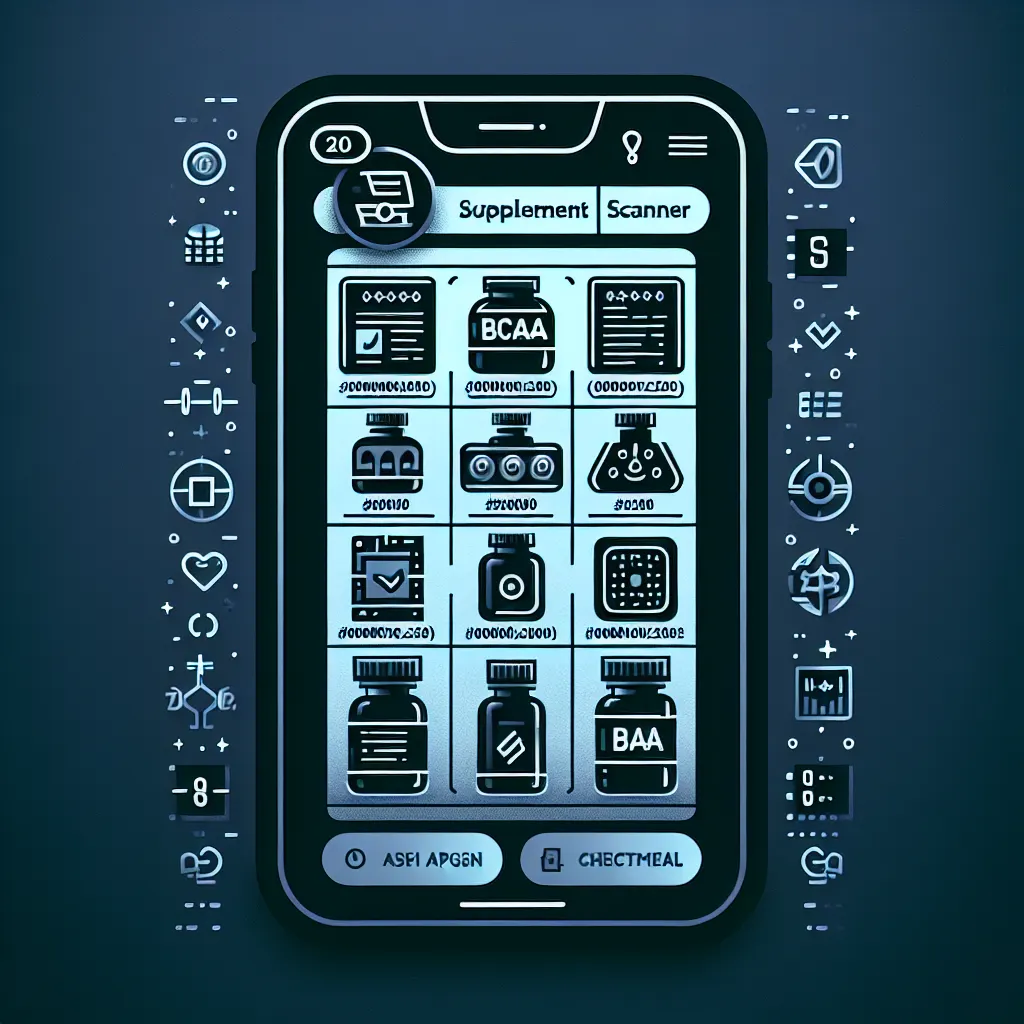
Introduction When it comes to bodybuilding, ensuring that your supplements are effective is crucial, especially for BCAA (Branched-Chain Amino Acids) products. With so many labels filled with scientific jargon, it can be overwhelming to determine if a supplement is truly beneficial for your goals. If you’re an iPhone user looking for a quick solution, you’re…
-
How to Stay on Track During Cheat Days With Photo Logging
Introduction Staying on track during cheat days can be challenging, especially when it comes to logging those indulgent meals. Many iPhone users struggle with tedious manual entry, which can lead to inconsistencies in tracking. Fortunately, there’s a faster solution: photo logging. This method allows you to capture your cheat meals quickly and efficiently. In this…
-
Best App to Track Cups of Water on iPhone
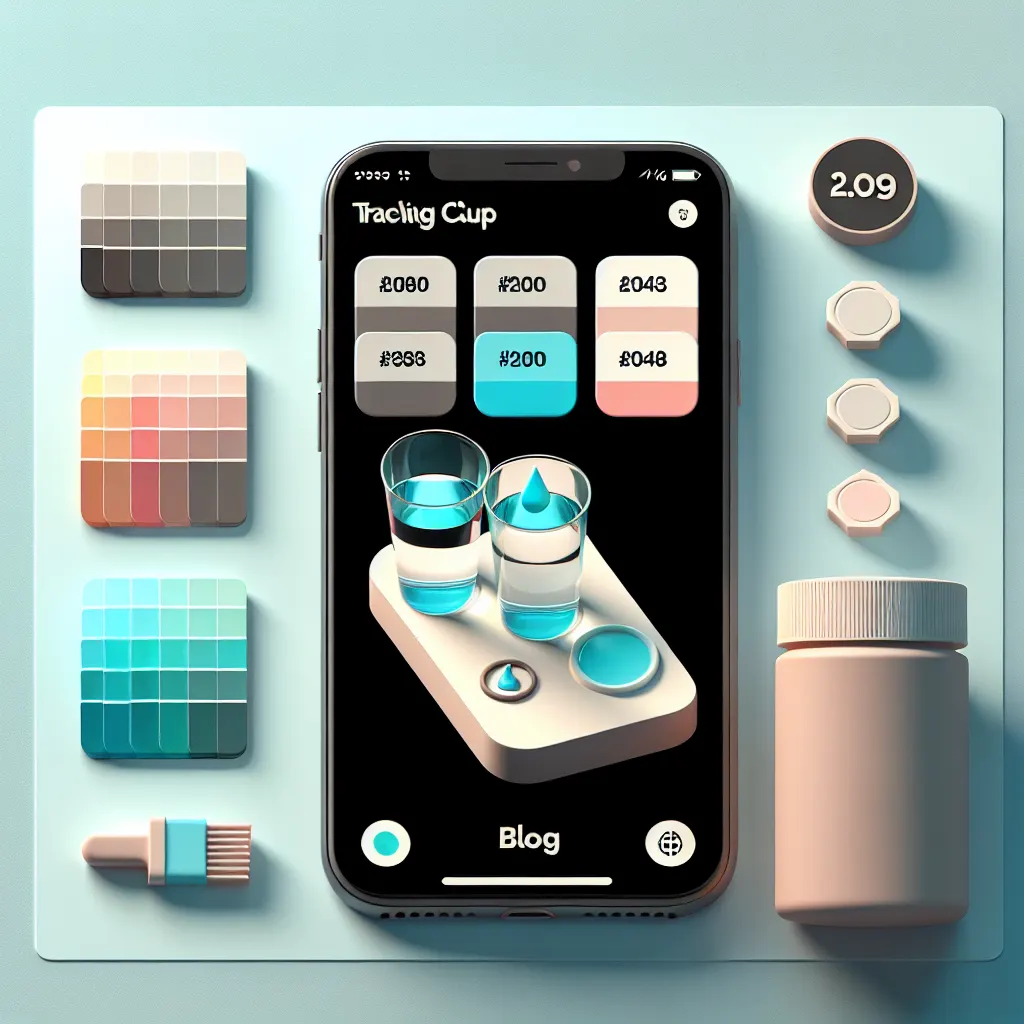
Introduction Staying hydrated is essential, but many people forget to log their drinks or struggle to maintain consistent hydration habits. If you’re an iPhone user looking for an efficient way to track cups of water, you’re not alone. Manual tracking can quickly become annoying, leading to missed goals and dehydration. Thankfully, there’s a faster solution…
-
How to Scan Creatine Labels on iPhone Fast
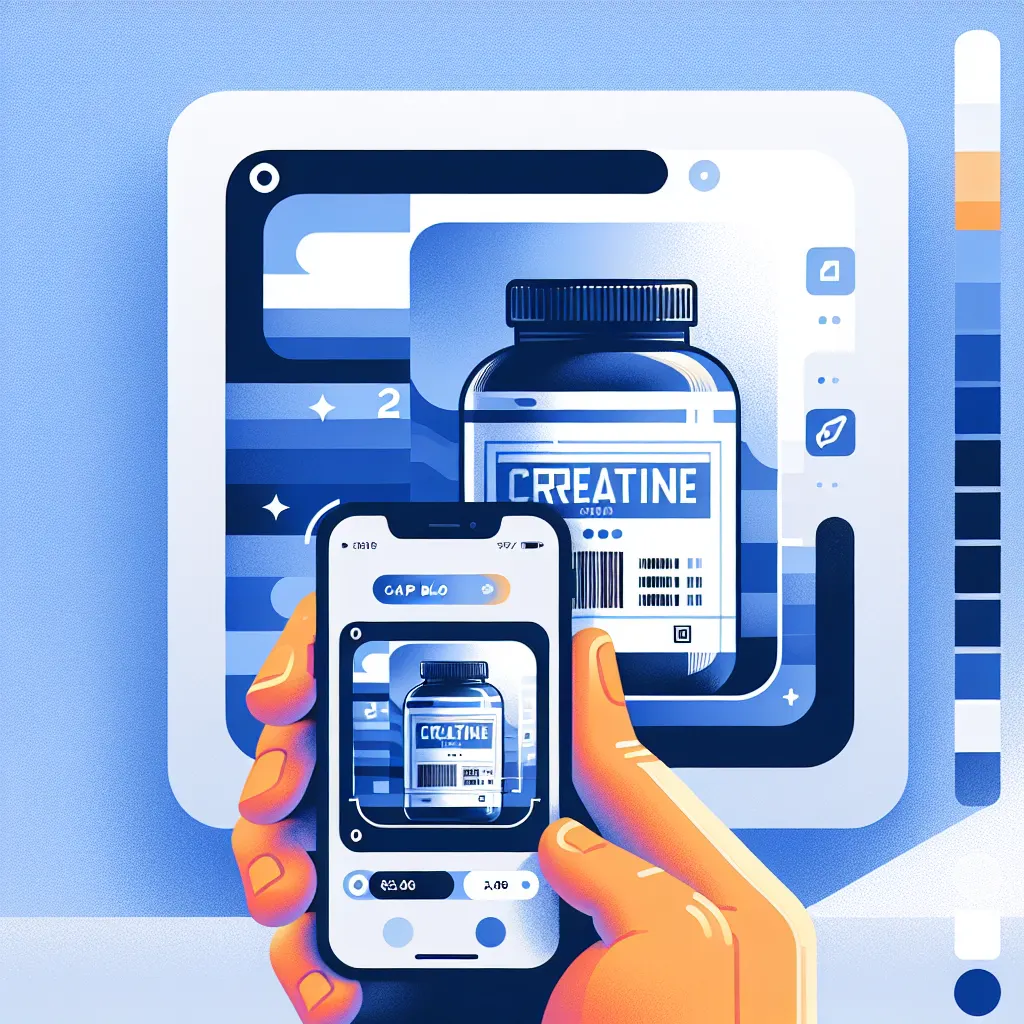
Introduction As a fitness enthusiast, you know that choosing the right supplement can be a daunting task. Supplement labels are often confusing, filled with jargon and ingredient combinations that make it hard to determine what’s best for your body. If you’re looking for a way to scan creatine labels on your iPhone fast, you’re in…