
Introduction
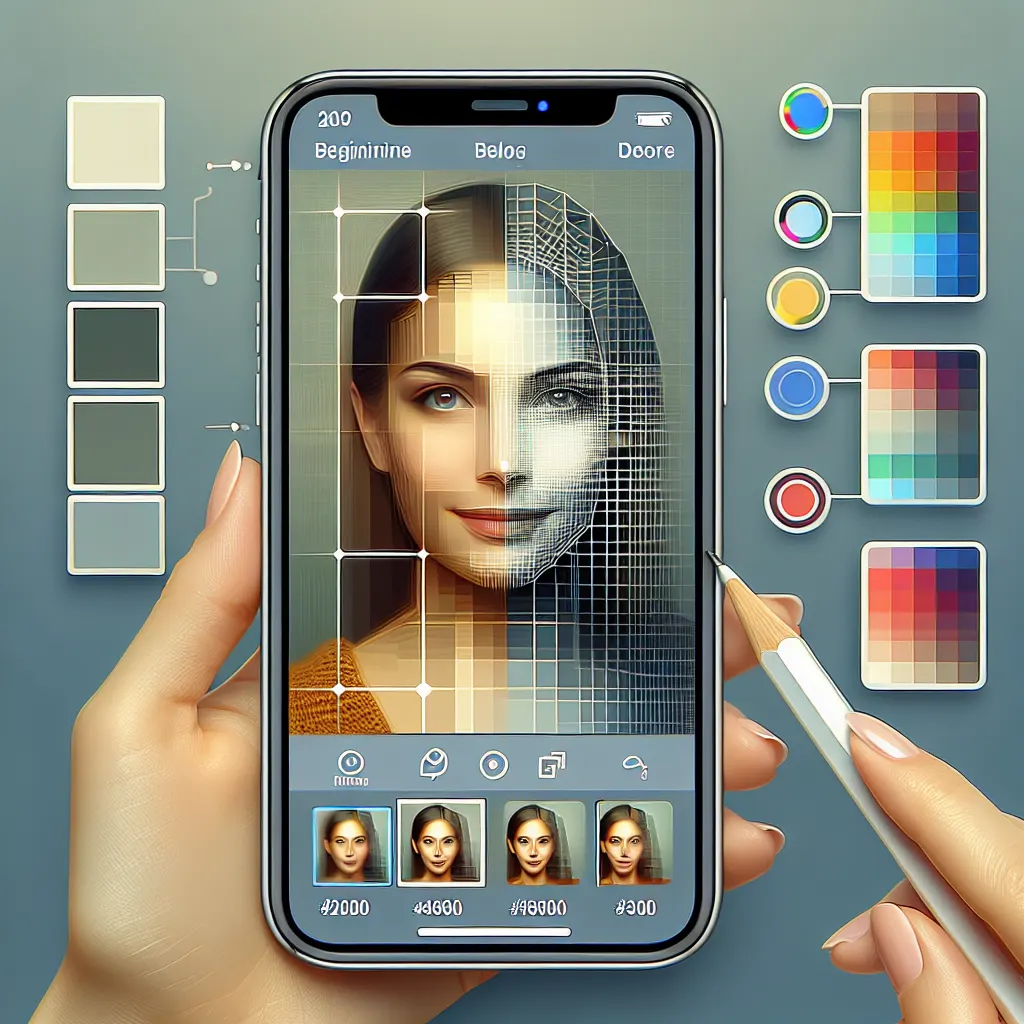
If you’re an iPhone user looking to unblur old portraits quickly and efficiently, the unblur old portraits app that you need is Clearify: Restore Old Photos. This innovative app is designed to help you restore clarity to your cherished memories with just a few taps. Whether it’s a faded family portrait or a blurry snapshot from a special day, Clearify is a powerful tool that can make those images come alive again.
As the developer of Clearify, my goal was to make photo restoration accessible and user-friendly. I remember working on the sharpening feature and thinking about how many precious memories could be saved with the right tools. In 2026, we continue to actively update and improve the app to ensure a seamless user experience. Let’s dive into how you can get started with Clearify!
Key Takeaways
- Clearify allows you to restore clarity to old portraits easily.
- The app is beginner-friendly, making it perfect for all skill levels.
- Fast and efficient workflow on your iPhone saves you time compared to manual editing.
- Regular updates ensure the app remains effective and user-friendly.
Getting Started with Clearify
To begin your journey in unblurring old portraits using Clearify, follow these simple steps:
1. Download and Install Clearify
First, head to the App Store and download Clearify: Restore Old Photos. The installation process is quick, and you’ll be ready to start in no time.
2. Open the App and Upload Your Photo
Once installed, open Clearify and select the option to upload a photo. You can choose from your camera roll or take a new picture directly within the app.
3. Select the Unblur Feature
After uploading your portrait, navigate to the unblur feature. This tool is specifically designed to enhance clarity and detail in your images.
4. Apply Adjustments
Use the slider to adjust the intensity of the unblur effect. You’ll see real-time changes so you can find the perfect balance for your photo.
5. Save and Share
Once you’re satisfied with the results, save the image to your camera roll or share it directly on social media. It’s that simple!
Why Choose an App Like Clearify?
Using an app like Clearify on your iPhone offers several advantages over traditional photo editing methods:
| Method | Pros | Cons |
|---|---|---|
| Clearify App | Quick, user-friendly, real-time adjustments | Requires an internet connection for best performance |
| Manual Editing Software | More control over adjustments | Time-consuming, requires learning curve |
As shown in the table, using Clearify significantly speeds up the process of restoring your photos compared to manual editing software. The app is designed for ease of use, making it accessible for everyone.
Tips for Best Results
To get the most out of Clearify, keep these tips in mind:
- Choose high-resolution images for better results.
- Experiment with different adjustment settings to see what works best.
- Make sure your iPhone is updated for the best app performance.
Conclusion
Unblurring old portraits on your iPhone has never been easier than with the Clearify app. In just a few minutes, you can restore those precious memories and bring your photos back to life. Remember, my goal as a developer was to create an app that simplifies this process. With regular updates and enhancements, Clearify remains the go-to solution for photo restoration in 2026. Don’t let those blurry images fade away—download Clearify and start restoring today!
Extra tips for unblur old portraits app
If your goal is speed and convenience, an iPhone app workflow is usually the easiest option. Start with the clearest input you can, make one change at a time, and compare the result before saving.
unblur old portraits app checklist
- Open the image, label, meal, or task you want to process.
- Use one simple app-based workflow from start to finish.
- Review the result before saving or exporting.
- Avoid doing the same task manually if the app can finish it faster.
For a faster mobile workflow, try Clearify: Restore Old Photos on your iPhone.
Ready to try it on your iPhone?
If you want to do this directly on your iPhone instead of using a slower manual workflow, you can finish much faster.
Frequently Asked Questions
How does Clearify improve photo clarity?
Clearify uses advanced algorithms to enhance the sharpness and detail of blurry images.
Is Clearify easy to use for beginners?
Yes, Clearify is designed to be user-friendly, making it accessible for users of all skill levels.
Can I use Clearify on old family photos?
Absolutely! Clearify is perfect for restoring old family portraits and cherished memories.
One response to “How to Unblur Old Portraits on iPhone With an App”
[…] You may also like this post: How to Unblur Old Portraits on iPhone With an App […]