
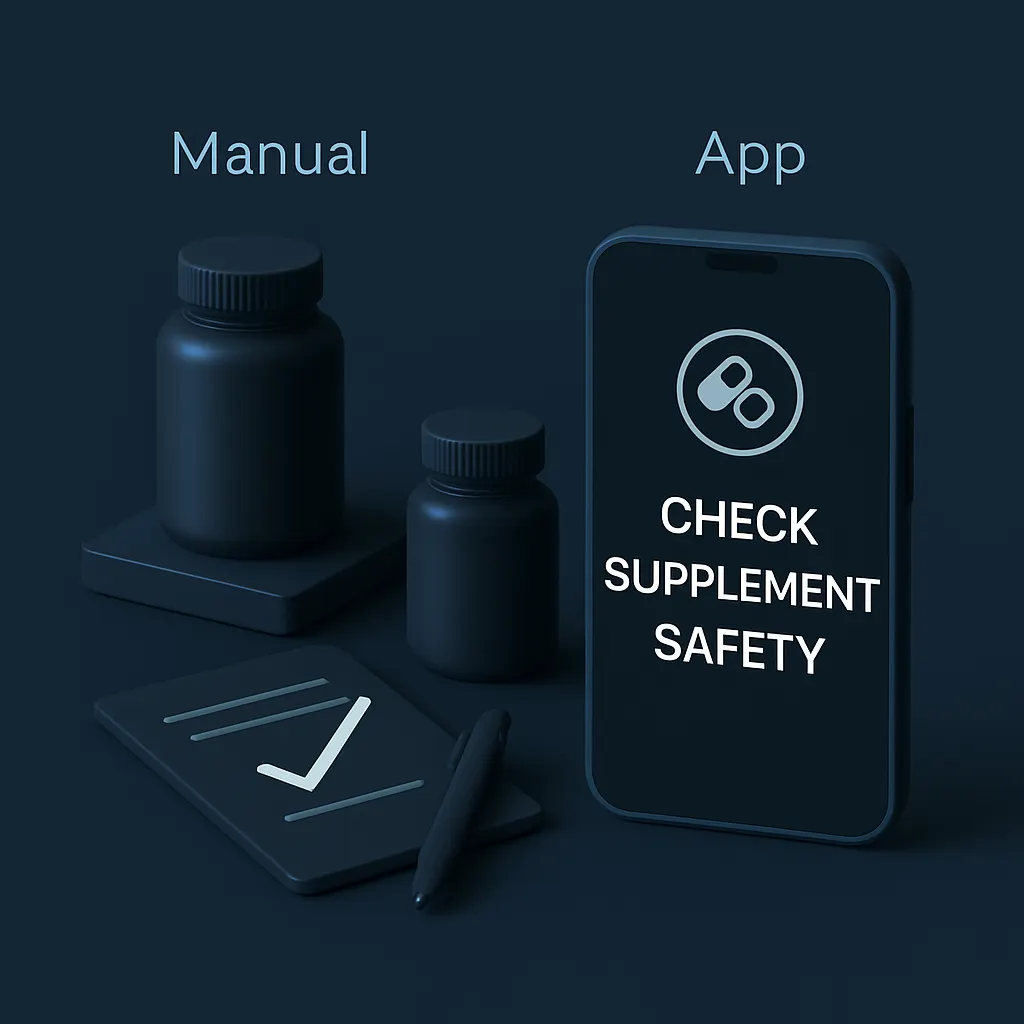
Introduction: Why You Should Check Supplement Safety
If you’re searching for the best way to check supplement safety, you’ve likely felt the frustration of slow, manual research. As an indie developer, I designed SuppScan: Supplement Check to solve this exact problem by streamlining how gym lovers, health-conscious shoppers, and supplement users verify their vitamins and ingredients quickly on iPhone.
Quick Answer: Why Check Supplement Safety Is Faster with an App
Manually researching every supplement ingredient is time-consuming, confusing, and prone to errors. SuppScan: Supplement Check uses AI-powered scanning and ingredient analysis to deliver fast, reliable insights in seconds—making it the smarter choice for anyone serious about supplement safety.
Why People Search for This
Millions take supplements daily but often face uncertainty about ingredient safety or interactions. Many iPhone users want a quick, trusted way to verify what’s inside their bottles without flipping through dense labels or unreliable websites. The manual approach is tedious and overwhelming, which drives users to seek app-based solutions.
Tired of doing this the hard way?
The fastest, most automatic way to check supplement safety on your iPhone.
Manual Method vs App Method
| Old Manual Way | SuppScan: Supplement Check |
|---|---|
| Search ingredients one-by-one using multiple websites | Scan supplement labels to instantly analyze all ingredients |
| Interpret confusing scientific terms without clear guidance | Get AI-powered ingredient explanations and potential concerns |
| Spending 20+ minutes verifying each supplement | Complete safety checks in under a minute |
| Risk missing important warnings or ingredient interactions | AI flags possible risks and flags allergens or banned substances |
| No organized history or tracking of scanned supplements | Keep scanned supplements saved for easy future reference |
How SuppScan: Supplement Check Helps
SuppScan was built with care to address the pain points users face manually. It combines AI-driven ingredient scanning with a user-friendly interface tailored for iPhone users. By simply pointing your camera at a supplement label, the app identifies each ingredient and explains its purpose and safety considerations in plain language.
This removes guesswork and saves time, especially when juggling multiple supplements or shopping for new products. The app also stores your scanned supplements so you can track your safety checks over time, avoiding repeated manual research.
If you want to check supplement safety quickly and confidently, trying SuppScan is your easiest step. Download now and see how simple it can be.
Step-by-Step Use Case: From Scanning to Safety Summary
- Step 1: Open SuppScan on your iPhone camera and scan the supplement label barcode or text.
- Step 2: The app identifies ingredients instantly and provides an AI-generated summary explaining each one.
- Step 3: Review any safety flags, such as allergen alerts or possible ingredient warnings.
- Step 4: Save the supplement scan to your personal history for quick future reference.
- Step 5: Use the insights to decide if the supplement fits your health goals and dietary needs.
This workflow can be completed in under a minute—much faster than manual checks.
Real-Life Examples
Consider Jake, a fitness enthusiast who used to spend 30 minutes reading confusing labels before workouts. After switching to SuppScan: Supplement Check, his pre-gym supplement checks take under 60 seconds, and he feels confident avoiding banned ingredients.
Or Sarah, a health-conscious shopper concerned about allergens. She quickly scans new vitamins in-store to avoid reactions, a process that was previously stressful and guesswork.
Both stories highlight how using the app replaces tedious research with efficient, clear, and tracked safety checks.
Mistakes to Avoid When Checking Supplement Safety
- Relying solely on marketing claims without ingredient verification.
- Ignoring potential interactions between multiple supplements.
- Trusting incomplete or outdated online sources.
- Failing to track your previous checks, leading to repeated research.
- Overlooking allergen warnings or ingredient specifics tailored to your needs.
SuppScan helps avoid these mistakes by centralizing and clarifying supplement data.
Who Should Use This
- Regular supplement users wanting quick, reliable safety checks.
- Gym-goers who need to verify workout supplements fast.
- Health-conscious shoppers scanning products in stores.
- Anyone overwhelmed by manual ingredient research.
Who Should Not Use This
- Users expecting medical advice or personalized health diagnoses.
- People not interested in ingredient-level details.
- Those who prefer consulting healthcare professionals exclusively.
Final Thoughts: Why to Check Supplement Safety with SuppScan
When it comes to supplements, speed and accuracy matter. Manually researching ingredients wastes time and leaves room for errors. SuppScan: Supplement Check offers iPhone users a polished, AI-driven alternative that turns complex supplement safety checks into quick, understandable insights.
If you’re ready to save time and be more confident about what you take, download SuppScan today and experience the smarter way to check supplement safety.
Take control of your supplement safety – get SuppScan now and scan with confidence.
Buyer Checklist: What to Look for in a Supplement Safety App
- Accurate ingredient recognition with barcode and label scanning
- Clear, AI-generated explanations of ingredients and safety
- Ability to flag allergens, banned substances, and interactions
- Easy-to-use interface optimized for quick scans on iPhone
- History tracking to avoid repeated manual checks
- Regular updates reflecting new supplement research
SuppScan meets these criteria thoughtfully, making it an excellent choice.
Extra tips for check supplement safety
If your goal is speed and convenience, an iPhone app workflow is usually the easiest option. Start with the clearest input you can, make one change at a time, and compare the result before saving.
check supplement safety checklist
- Open the image, label, meal, or task you want to process.
- Use one simple app-based workflow from start to finish.
- Review the result before saving or exporting.
- Avoid doing the same task manually if the app can finish it faster.
For a faster mobile workflow, try SuppScan: Supplement Check on your iPhone.
Why do it manually when an app can do it instantly?
You could spend hours trying to figure out the right settings, cropping, or tracking everything by hand—or you could let SuppScan: Supplement Check handle it automatically in seconds.
Skip the frustration, save your time, and get perfect results directly on your iPhone.